
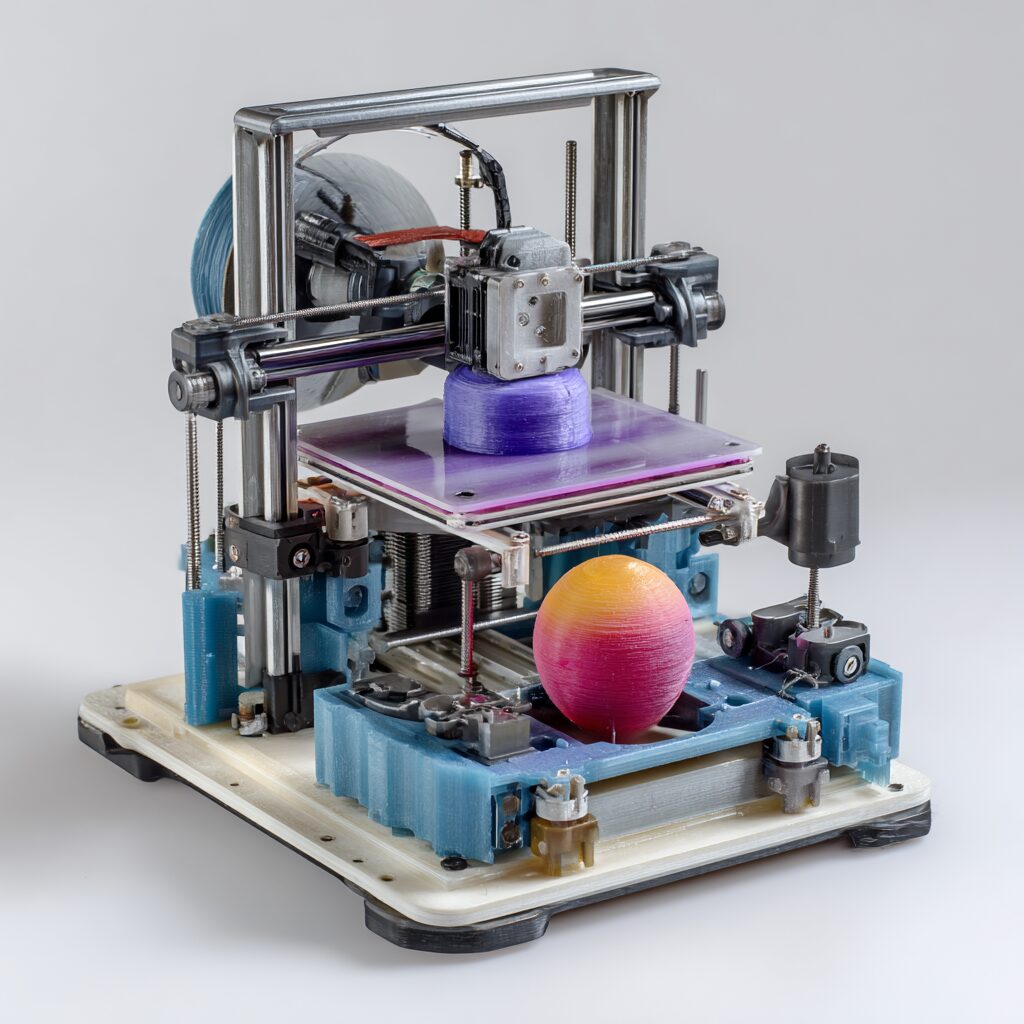
How to Start 3D Printing at Home (Step-by-Step)
A Complete Beginner’s Guide to Getting Up and Running Fast
Whether you’re curious, creative, or entrepreneurial, this step-by-step guide will walk you through exactly how to start 3D printing at home, even if you have zero experience.
🧠 Step 1: Understand the Basics of 3D Printing
Before buying anything, it’s important to understand what 3D printing actually is.
🔹 What Is 3D Printing?
3D printing (also called additive manufacturing) is the process of creating physical objects layer by layer from a digital file.
🔹 The 2 Most Common Types for Home Use
1. FDM (Fused Deposition Modeling)
- Uses melted plastic filament
- Best for beginners
- Lower cost
- Durable prints
2. Resin (SLA/MSLA)
- Uses liquid resin + UV light
- Higher detail and smooth finish
- More messy and requires safety precautions
👉 Beginner Recommendation: Start with FDM — it’s easier, cheaper, and more forgiving.
🛒 Step 2: Choose Your First 3D Printer
- Easy setup (plug-and-play preferred)
- Auto bed leveling (huge bonus)
- Strong community support
- Affordable replacement parts
🔹 Budget Guide:
- $200–$400: Great beginner printers
- $400–$800: Higher quality, less troubleshooting
- $800+: Advanced features, larger builds
🔹 Popular Beginner Brands:
- Creality
- Anycubic
- Prusa (higher-end beginner)
- Bambu Lab (fast-growing premium option)
📦 Step 3: Get the Essential Supplies
Once you have your printer, you’ll need a few basic materials.
🔹 For FDM Printing:
- PLA filament (best for beginners)
- Build plate (usually included)
- Basic tools (scraper, cutters)
🔹 For Resin Printing:
- Liquid resin
- Gloves + mask
- Isopropyl alcohol (for cleaning)
- UV curing station (or sunlight)
👉 Start simple: PLA filament + FDM printer = easiest entry point
💻 Step 4: Install 3D Printing Software
🔹 Key Software Types:
1. Slicer Software (Required)
- Ultimaker Cura (Beginner-friendly)
- PrusaSlicer
2. 3D Design Software (Optional)
- Tinkercad
- Fusion 360
📁 Step 5: Download or Create Your First 3D Model
You don’t need to design anything from scratch.
🔹 Free Model Websites:
- Thingiverse
- Printables
- Cults3D
Search for:
- Phone stands
- Keychains
- Simple tools
👉 Start with something small and simple.
⚙️ Step 6: Set Up Your Printer
🔹 Key Setup Tasks:
- Assemble printer (if needed)
- Level the print bed (critical!)
- Load filament
- Run test print
🔥 Pro Tip:
Bed leveling = success or failure.
Take your time here.
▶️ Step 7: Start Your First Print
Once everything is ready:
- Load model into slicer
- Generate G-code
- Transfer file to printer (USB/SD/WiFi)
- Start printing
⏱ What to Expect:
- Small prints: 30 min – 2 hours
- Medium prints: 3–10 hours
⚠️ Step 8: Troubleshoot Common Problems
Every beginner runs into issues. That’s normal.
🔹 Common Problems:
Print not sticking to bed
- Fix: Re-level bed, clean surface
Stringing / messy prints
- Fix: Adjust temperature settings
Layer shifting
- Fix: Tighten belts, stabilize printer
💡 Step 9: Improve Your Skills
Once you get your first successful print:
Try:
- Adjusting settings
- Printing larger objects
- Designing your own models
- Testing different materials (PETG, ABS)
💰 Step 10: Turn It Into Income (Optional)
3D printing can become a business.
💼 Ways to Make Money:
- Sell products on Etsy
- Offer local printing services
- Create custom prototypes
- Sell digital STL files
🚀 Final Thoughts
Starting 3D printing at home is easier than ever — but success comes down to:
✔ Choosing the right printer
✔ Starting simple
✔ Learning through trial and error
You don’t need to be technical.
You just need to start.
🔥 Quick Start Checklist
✔ Buy beginner FDM printer
✔ Get PLA filament
✔ Install Ultimaker Cura
✔ Download free model
✔ Level bed carefully
✔ Print your first object
Leave a Reply