
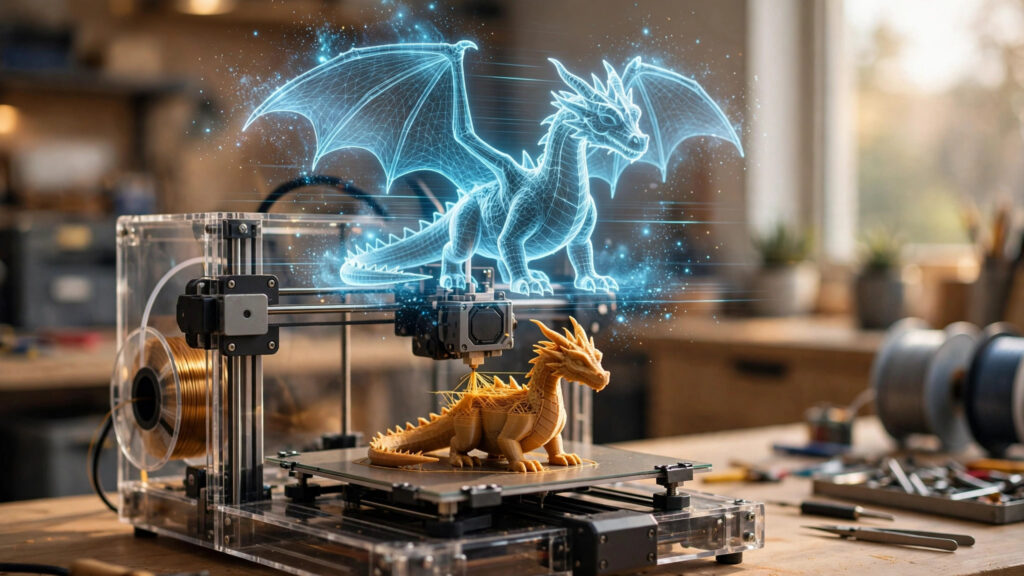
For thirty years, the deal in 3D printing was simple: if you wanted a thing, you had to model the thing. Hours in CAD, or hours scrolling model libraries hoping someone else already had. Text-to-3D breaks that deal. You type a sentence — “a dragon curled around a dice tower, chunky, printable” — and under a minute later there’s a model on your screen that a slicer can turn into plastic.
This is not a research demo anymore. In 2026 it’s a working pipeline with real tools, real output, and honest limits. Here’s how it actually works, who’s doing it best, and where the sentence-to-object trick still falls down.
The pipeline, in four steps
Describe. You write a prompt (or upload a photo — image-to-3D is often the stronger route, because a picture carries information a paragraph can’t). Specific beats clever: materials, proportions, and “no thin parts” matter more than adjectives.
Generate. The AI produces a mesh — a shell of triangles, like a video-game asset — in roughly 30 to 90 seconds. That word, mesh, is the key to everything below: this is not CAD. There’s no sketch, no dimensions tree, nothing parametric to edit later.
Repair and scale. AI meshes arrive with baggage: holes, non-manifold edges, walls too thin to print. The better tools now check printability and auto-repair before export; the rest need a pass through your slicer’s fix tools. Then you scale it to real units and slice as usual.
Print. STL or 3MF into the slicer, and the machine does what it always did. The revolution is entirely upstream of the nozzle.
The five tools that matter
Meshy is the one courting printers hardest. Beyond text- and image-to-3D, it ships a printability check and repair, resizing in real units, export plugins for the major slicers (Bambu Studio, OrcaSlicer, Cura, Creality Print and more), and a multi-colour mode that splits a texture into colour regions and exports a 3MF with filament assignments already set — a genuine shortcut for AMS-style multicolour prints. Its partnership with Formlabs pushes the same prompt-to-part idea toward professional machines. Pro runs about $20/month; the free tier is non-commercial.
Tripo is the speed-and-value pick. Generations land in well under a minute, an auto-repair feature closes holes and fixes non-manifold geometry before export, and it writes STL and 3MF directly — exactly what a printer wants. Retopology and part-segmentation tools make its output easier to post-process than most. Plans start around $12/month, with a free tier to test the same prompt against rivals.
Rodin, from Hyper3D (Deemos), is the detail snob’s choice: the cleanest geometry of the group, quad-mesh topology, and rich textures — the one you’d pick for a hero figurine or character. The trade-offs are price and print-readiness: its STL exports are more likely to need a repair pass before slicing.
Luma Genie is the quick-concept option from Luma Labs — fast text-to-3D in the browser, good for testing whether an idea deserves an evening of real modeling before you commit to it.
Zoo is the other road entirely. Its Text-to-CAD generates actual CAD geometry — editable, dimensioned, exportable — rather than a game-style mesh. It’s aimed at engineers, and it’s the clearest sign of where this all converges: prompts for the shape, parameters for the precision.
What it’s genuinely good at, right now
Organic, forgiving shapes: miniatures and tabletop figures, cosplay props, ornaments, toys, planters, character models, concept pieces you’d never spend a weekend modeling. Personalised one-offs — a pet’s likeness from photos, a name plaque in a weird font, a replacement knob that just needs to look right. And speed: a game-night miniature that didn’t exist at breakfast is a real category now.
Where it falls down
Ask for a bracket that must be exactly 84 mm between holes, a lid that snaps onto a base, threads, gears that mesh, or two parts that assemble — and the mesh generators shrug. They don’t know what a tolerance is. Walls come out uneven, flat surfaces come out nearly flat, and “edit the design” usually means regenerating and hoping. Functional, fitted, mechanical parts still belong to CAD (or to Zoo’s road, which is younger and narrower). Budget a cleanup pass for almost everything, read the licence before selling prints — free tiers are typically public and non-commercial — and remember the tools meter you in credits, so the real price is per model, not per month.
The pro move: AI drafts, you finish
The makers getting the most from these tools treat the output as a first draft, not a deliverable. Generate three variants, pick the best bones, clean the mesh, add the holes and flats the AI couldn’t, and print. The skill is shifting from modeling to art direction: describing well, judging ruthlessly, finishing properly.
That’s the real story of text-to-printer. The printer didn’t change. The blank page before it disappeared.